Fixing Those Annoying Heat Spots in Your KHS Blow Molding Lines
Ever pull a batch of PET bottles off the line only to find thin walls or weird structural weak points? It’s frustrating. Usually, if you’re seeing “cold spots” or that cloudy, pearlescent look on your preforms, it isn’t a mystery. It almost always comes down to how the lamp is aligned and what the filament is actually doing.
The truth about heat distribution
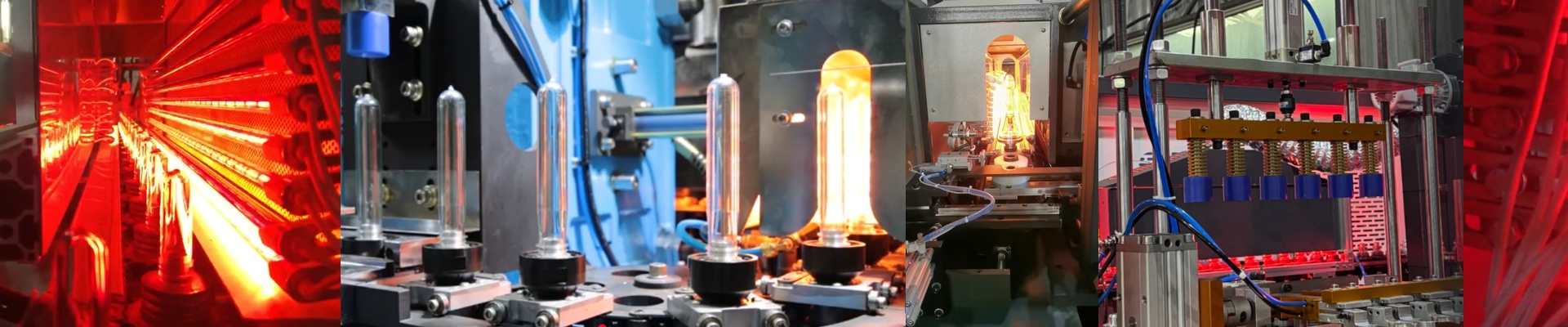
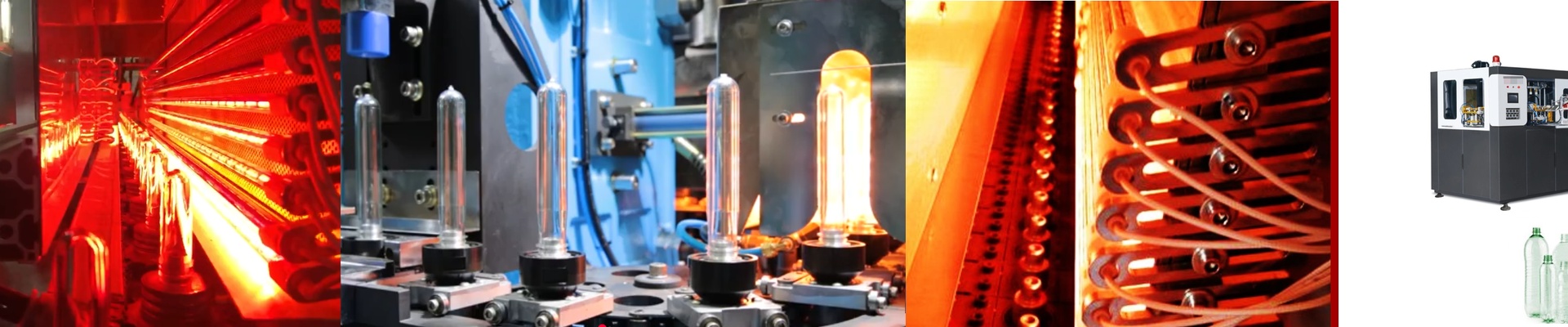
We build our Replacement IR lamps to fit the KHS oven footprint exactly. But the real secret is in the winding. If the filament is bunched up too tight at the ends, you get hot spots that scorch the plastic. It’s a mess. We use a calibrated winding process to keep the watt-density steady across the whole tube. You get a flat, even heat profile. No surprises.
What’s actually under the glass
We use high-purity quartz because it can handle the shock of rapid heating and cooling without cracking. Then there’s the halogen cycle. Without it, the filament evaporates and leaves a dark residue on the inside of the glass—that “blackening” you’ve probably seen. Once that happens, your heat output tanks. Our lamps fight that off. The best part? You just drop them into your existing KHS sockets. We match the OEM voltage and wattage, so you don’t have to worry about overloading your power supplies.
A few things to watch out for
Switching to these lamps usually closes that uniformity gap you get with cheaper alternatives. The heat field is just tighter. But here is a heads-up: if you crank up the heat density to shave time off your cycles, you’re putting more pressure on your ventilation. If you’re pushing higher wattage to make up for a dying heating zone, make sure your cooling blowers are clean and humming along. If they aren’t, the quartz can overheat and snap. And do yourself a favor—check your connectors for oxidation before you plug everything in. A loose fit at the terminal creates resistance, and that’s a fast track to burning out your end-caps.